Music Metadata Explained: Royalties, Distribution & Streaming
Learn what music metadata is and why it matters. Discover how ISRC codes, UPCs, songwriter credits, and accurate metadata help independent artists distribute music, collect royalties, and improve discoverability.
What Is Music Metadata?
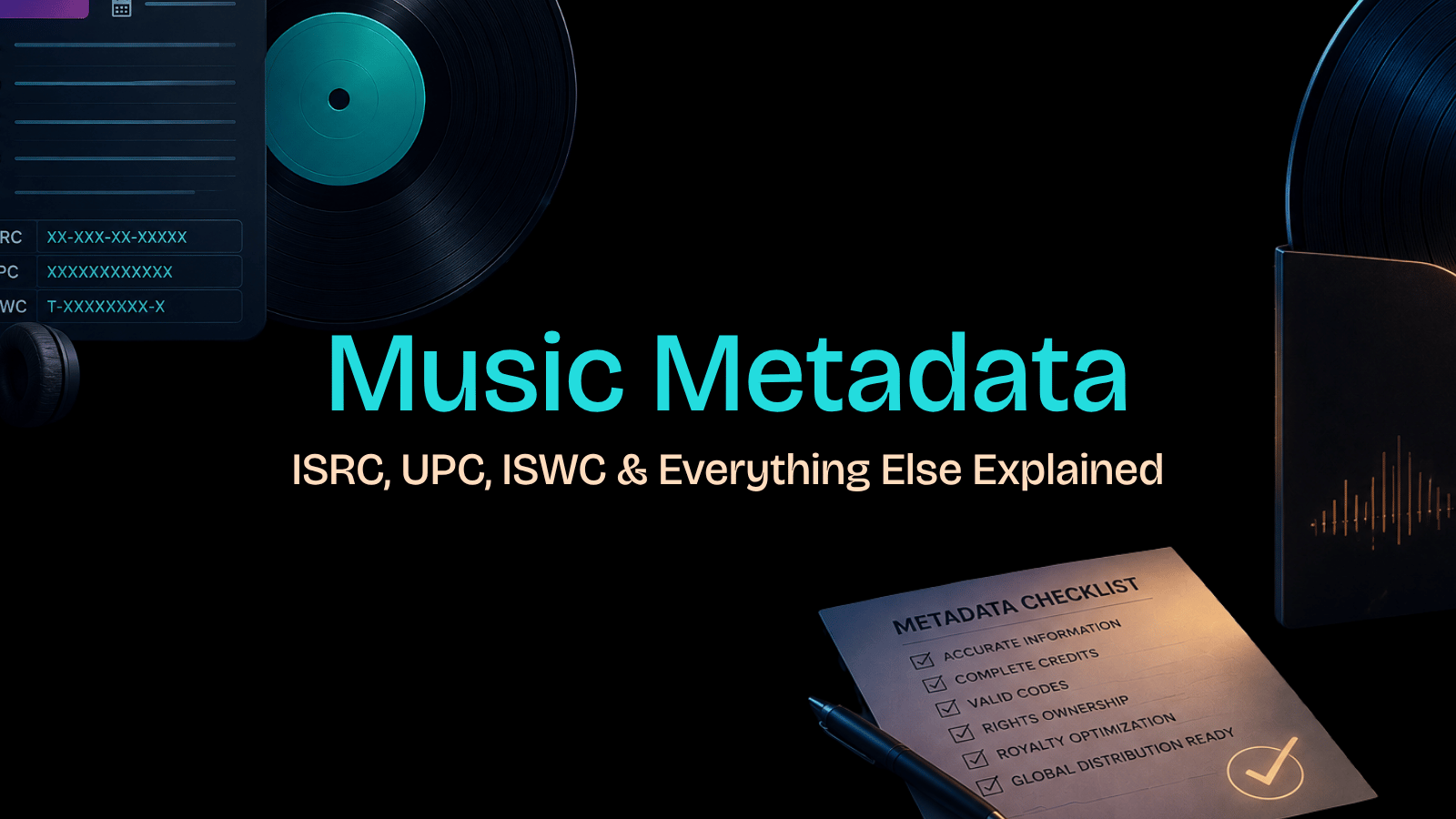
Every song released into the digital ecosystem carries two layers: the audio itself and the data that describes it. Music metadata is that second layer — the structured information attached to a recording that tells streaming platforms, distributors, and rights organizations exactly what a track is, who made it, and who gets paid when it plays.
Think of it as the digital ID card for your music. A complete record typically includes the song title, artist name, album title, genre, release date, a set of alphanumeric identifiers like ISRC (International Standard Recording Code), and UPC (Universal Product Code). Strip that data out, and you've got an audio file that the internet simply doesn't know what to do with. Here's a quick walkthrough for getting your metadata right before distribution:
Open your audio file in a tag editor or your distributor's submission portal.
Enter the track title, primary artist name, and featured artists exactly as you want them displayed.
Add songwriter and producer credits, including split percentages where required.
Assign or verify your ISRC code for each individual recording.
Confirm your UPC code is attached to the full release (album or EP).
Save the completed metadata and review every field before submitting for distribution.
Getting those fields right isn't just housekeeping — it directly shapes whether your royalties reach you. And that's exactly where the importance of metadata becomes impossible to ignore.
Why Music Metadata Matters
Understanding what music metadata is only gets you halfway there. The more pressing question for any independent artist is what happens when it's missing, incomplete, or wrong — and the answer affects nearly every dollar your music can earn.
Follow these steps to understand the five core ways song metadata directly impacts your music career, so you can treat it as a business asset rather than an afterthought.
Connect your streams to your royalty account. Streaming platforms like Spotify and Apple Music use metadata to match plays to rights holders. When your ISRC code or artist name is missing or inconsistent, the platform can't route payments correctly. In practice, those royalties sit in what's known as a "black box" — unclaimed and undelivered.
Trigger the correct royalty splits at the source. Mechanical and performance royalties depend on accurate songwriter, publisher, and performer credits embedded in your song metadata. If those fields are blank or incorrect at the point of distribution, collection societies like ASCAP, BMI, or SoundExchange have no reliable way to match earnings to the right parties.
Establish and protect your copyright record. Metadata functions as a timestamped record of ownership. Embedding your legal name, publishing information, and copyright year into a release creates a paper trail that's harder to dispute than a verbal claim. It's not a substitute for formal registration, but it's a critical first line of documentation.
Improve searchability across platforms and stores. Digital storefronts index your release by the metadata fields you submit — album title, track title, artist name, genre, and more. Inconsistent or misspelled entries fragment your catalog across search results, making it harder for fans and playlist curators to find the right version of your work.
Expand discoverability through algorithmic recommendations. Platforms use genre tags, mood descriptors, and language fields to power recommendation engines and editorial playlisting. Accurate, complete metadata signals to those systems that your track is a strong candidate for playlist placement — sloppy data tends to get filtered out before a human ever reviews it.
Review your existing releases for metadata gaps. Pull up your current catalog in your distributor's dashboard and cross-check every track against the five points above. Flag any release missing an ISRC code, incomplete songwriter credits, or a mismatched UPC code at the album level — these are the most common sources of lost revenue and attribution errors.
When all five of these elements are working together, your music metadata becomes an active system that earns, protects, and promotes your catalog around the clock. And that's only possible once you understand the specific categories of data involved — which is exactly where the next section picks up.
Types of Music Metadata
Now that you understand why metadata for songs can make or break your distribution strategy, it helps to know that not all metadata works the same way. Music metadata breaks into three distinct categories, each serving a different function in the broader ecosystem. Getting familiar with each type makes the next step — filling out the right fields — a lot more straightforward.
Work through each category in order. Build your metadata from the ground up, starting with what the song is, then who owns it, then how it gets administered.
Identify your descriptive metadata first. This is the surface-level information listeners and platforms use to find and understand your music — song title, artist name, album name, genre, language, and release date. Think of it as the public-facing label on everything you release. Get this layer right before touching anything else.
Audit your ownership metadata next. Ownership metadata documents who created and controls the work. This includes composer credits, songwriter information, producer credits, featured artist names, and publishing rights. Errors here directly affect who gets paid and how much — a misattributed songwriter credit can mean royalties flowing to the wrong party indefinitely.
Lock in your administrative metadata last. Administrative metadata handles the operational side of your release: ISRC codes (which identify individual recordings), UPC codes (which identify releases as a product), label information, and explicit content flags. Distribution platforms require this layer to process, track, and monetize your music correctly. Missing or incorrect administrative data is one of the most common reasons royalty payments stall.
Cross-check all three layers before submission. A common pattern is to treat these categories in isolation — but errors compound across them. Verify that the songwriter listed in your ownership metadata matches the ISRC registration in your administrative data.
Store a master copy of the complete metadata set. Keep one authoritative document that covers all three categories for every release. This becomes your reference point any time a distributor, publisher, or PRO requests information.
Update metadata proactively when credits change. If a featured artist is added post-release or publishing splits are renegotiated, push those changes through every platform immediately. Stale metadata is often just as damaging as missing metadata.
Once all three layers are squared away, the logical next move is knowing exactly which fields each category requires — and that's precisely what the next section breaks down.
Common Music Metadata Fields
Now that you've seen how metadata breaks down into embedded, administrative, and descriptive categories, it's worth knowing exactly which fields you'll encounter when uploading a release. Getting each one right is the difference between a track that distributes cleanly and one that gets flagged, delayed, or miscredited. Here's how to fill out the core music file metadata fields accurately every time.
Enter the song title exactly as it should appear publicly. Avoid unnecessary capitalization variations or unofficial subtitles. Distributors match this field against DSP catalogs, so even minor inconsistencies can create duplicate listings.
Set the artist name to your official stage or project name. This must match your existing profile on streaming platforms. A mismatch here can prevent a release from linking to your artist page.
Add the album or EP title if the track is part of a larger project. For standalone singles, some distributors accept a single title as the "album" field — check your distributor's requirements.
Select the most accurate genre and subgenre available. Genre tagging directly influences playlist placement and algorithmic recommendations, so resist the temptation to pick the broadest option.
Confirm the release date in MM/DD/YYYY format. Set this field to match your planned public release, not the upload date. A wrong date can push a track into incorrect "new releases" windows.
Fill in all songwriter, composer, and producer credits. These fields feed into royalty collection systems. Missing a co-writer here means that person may not collect their publishing share automatically.
Tag featured artists, language, label name, and explicit content status. Explicit tagging is enforced by most DSPs — an unchecked flag on a track with strong language can result in removal or restricted distribution.
And don't overlook the language field. It determines which regional charts and editorial playlists your track is eligible for. Once these core fields are locked in, the next layer involves the standardized codes — like ISRC and UPC — that make each of these entries uniquely identifiable across the global supply chain.
ISRC vs UPC vs ISWC
Now that you've worked through the common fields you'll fill out during distribution, three specific identifiers tend to cause the most confusion: ISRC, UPC, and ISWC. Understanding how each one functions in your track metadata is non-negotiable if you want royalties tracked accurately.
Follow these steps to correctly assign all three identifiers before your release goes live.
Obtain an ISRC for each recording. The International Standard Recording Code (ISRC) identifies a specific recorded performance — not the song itself. Every unique mix, live version, or remaster needs its own ISRC. You can get one through your distributor or register directly via the US ISRC Agency at no cost.
Secure a UPC for your release. The Universal Product Code identifies the album or EP as a product — think of it as the barcode on a shelf item. One UPC covers the entire release, while each track inside carries its own ISRC. Most distributors assign a UPC automatically.
Register an ISWC for the composition. The International Standard Musical Work Code identifies the underlying song — lyrics and melody — regardless of who records it. Register through your performing rights organization (PRO) when you submit your work.
Confirm all three codes are embedded before delivery. Check your distributor's metadata portal to verify no field is blank. A missing ISRC is one of the most common reasons streaming royalties go unmatched.
Keep a master spreadsheet of every code you've issued. Store ISRCs, UPCs, and ISWCs in one document alongside the corresponding release dates. This record becomes critical when disputes arise with PROs or neighboring rights organizations.
With all three identifiers correctly assigned and confirmed, your recordings and compositions are traceable at every point in the supply chain — which is exactly what sets up accurate royalty collection, the topic the next section covers in detail.
How Music Metadata Affects Royalties
Understanding what are royalties in music — and how metadata connects to them — is one of the most practical skills an independent artist can develop. Royalties are payments generated when your music is performed, streamed, reproduced, or broadcast. But here's the critical part: collecting organizations can only pay you if they can identify your work. Accurate music metadata is the mechanism that makes identification possible.
Follow these steps to understand how each royalty type depends on your metadata being correct from day one.
Register performance royalties through your PRO. Performance royalties are collected by Performing Rights Organizations (PROs) like ASCAP, BMI, SESAC whenever your song is played publicly — on radio, in venues, and or on streaming platforms. Your PRO matches broadcast data against its registry using song title, writer names, and publisher information. Missing or mismatched metadata means those matches fail and payments go uncollected.
Confirm your mechanical royalty data at the distributor level. Mechanical royalties are triggered every time a recording is reproduced or streamed. In the US, the mechanical rate for on-demand streams is set by the Copyright Royalty Board. Your ISRC code is the primary identifier used to route mechanical payments, so confirm it's embedded in every file you deliver.
Submit complete publishing metadata to a publishing administrator. Publishing royalties — which cover both performance and mechanical income on the composition side — depend on accurate songwriter splits, IPI numbers, and work registrations. Errors here split income incorrectly or cause payments to sit in unmatched royalty pools.
Register neighboring rights with a neighboring rights collector. Neighboring rights compensate recording artists and labels when a master recording is broadcast or performed publicly — distinct from songwriter royalties. These payments rely on accurate ISRC codes and sound recording ownership data submitted to neighboring rights societies.
Review your metadata before every release. Cross-check every identifier — ISRC, UPC, writer credits, publisher name — against your PRO registration and distributor submission. A single inconsistency across those records creates a gap where revenue leaks out.
Each royalty stream feeds into the streaming platforms you'll distribute to next — and how those platforms read your metadata determines how reliably those payments flow through.
How Music Metadata Helps Streaming Platforms
Understanding what is music metadata is only half the equation — knowing how each major platform actually uses that data is where it becomes actionable. Accurate song metadata directly shapes how platforms surface your music to listeners, route royalty payments, and build recommendation algorithms. Here's how to make sure your metadata is working for you across every major service.
Optimize your metadata for Spotify. Spotify pulls artist name, track title, genre tags, and ISRC codes to populate its editorial and algorithmic playlists. Ensure your distributor submits clean, consistent artist name spelling — any variation creates a duplicate profile, which fragments your listener data and weakens playlist eligibility.
Prepare Apple Music-specific fields. Apple Music uses composer and songwriter credits to connect your track to its Classical and genre-filtered views. Fill in every contributor field your distributor offers, even for non-classical releases — Apple's system rewards completeness.
Include a UPC code before YouTube Music delivery. YouTube Music links your audio metadata to Content ID claims. A verified UPC code ensures that user-generated content featuring your track triggers monetization back to you rather than being flagged as unowned.
Confirm ISRC codes are present for Amazon Music. Amazon Music uses ISRC data to match tracks across HD and standard tiers and to feed Alexa voice search results. A missing or incorrect ISRC code can cause your track to appear as an unlinked duplicate.
Verify release date formatting across all platforms. Each platform timestamps catalog entries using the release date in your metadata. An incorrect date can push your track out of "New Releases" discovery windows — a costly error that's easy to avoid.
Review distributed metadata within 48 hours of release. Check how your artist profile appears on each platform after delivery goes live. Corrections submitted after release often take days to propagate, so catching errors early limits the damage to your first-week visibility.
And the consequences of skipping this review step are exactly what leads to the most common metadata mistakes artists make — which are worth examining directly.
Common Metadata Mistakes
Knowing how to add metadata to music correctly is only half the battle — avoiding the errors that quietly cost you royalties and playlist placement is just as critical. The mistakes below are more common than most artists realize, and each one has a direct consequence on how platforms identify and pay you.
Misspelled artist names. A single typo — "Taylr Swift" instead of "Taylor Swift" — creates a separate artist identity in a platform's database. Streams won't aggregate under your main profile, and fans searching your name may not find the release at all. Verify spelling against your existing distributor profile before submitting.
Assign the wrong ISRC code. An incorrect or duplicate ISRC fragments your streaming data across multiple records, which means royalty collection organizations can't accurately match plays to the right rights holder. Generate a fresh, unique ISRC for every distinct recording.
Omit songwriter credits. Missing or incomplete songwriting credits break the link between a track and the publishing royalties attached to it. PROs like ASCAP and BMI rely on this data to route performance income correctly.
Enter incorrect release dates. A wrong release date can knock a track out of algorithmic "New Music Friday" consideration and disrupt pre-save campaigns. Cross-check the date against your distributor's submission window before locking it in.
Create duplicate artist profiles. Submitting under slightly different name variations — "DJ Mako" vs. "Mako" — fragments your listener base and confuses recommendation algorithms. Claim and consolidate your artist profile on each platform before your next release.
Skip UPC verification. A UPC code that's already assigned to another product in a distributor's catalog will cause your release to be rejected or misfiled. Always confirm your UPC is unique to that specific release bundle.
Catching these issues before submission is far easier than correcting them after a track is live — and the next section's pre-release checklist is built to help you do exactly that.
Music Metadata Best Practices
Avoiding common metadata mistakes is only part of the picture — building a consistent pre-release checklist ensures every track leaves your hands distribution-ready. Here's exactly what to verify before you submit.
Register your ISRC code for every track. Each song needs a unique International Standard Recording Code before distribution. Without one, streams can't be accurately tracked across platforms.
Confirm your UPC code is assigned to the release as a whole. Your distributor typically generates this, but verify it's present before submission.
Standardize your artist name exactly as it appears across every platform. Even a single capitalization difference can split your streaming profile.
Enter complete song metadata — title, featured artists, album name, genre, release date, and BPM. Don't leave optional fields blank; platforms use them for recommendations.
Embed audio metadata directly into your master file using ID3 tags or equivalent. Distribution metadata and embedded metadata should match precisely.
Double-check publishing and ownership splits with your PRO before submitting. Misattributed songwriter credits are among the hardest errors to correct post-release.
Run through this checklist on every release, not just debut drops. The questions that tend to come up most often around this process are worth addressing directly — which is exactly what the next section covers.
Frequently Asked Questions
These are the questions independent artists ask most often when working through music metadata for the first time — answered directly so you can move forward with confidence.
What is music metadata?
Music metadata is the structured information embedded in or attached to an audio file — covering everything from song title and artist name to ISRC codes, genre tags, and publishing rights. It tells platforms, distributors, and collection societies who created the track and who gets paid.
What is an ISRC code, and do I need one?
An ISRC (International Standard Recording Code) is a 12-character identifier assigned to each unique recording. Yes — you need one. Distributors and performing rights organizations use ISRC codes to track streams and match royalty payments to the correct rights holders.
What is a UPC code for music?
A UPC (Universal Product Code) identifies your release as a product — typically an album or EP. Your distributor usually assigns one, but you can also purchase UPC codes independently. It's distinct from the ISRC, which identifies individual recordings.
What happens if my metadata contains errors?
Incorrect metadata can delay distribution approval, misdirect royalty payments, and or remove your track from algorithmic playlists entirely. In practice, even a misspelled artist name can split your streaming identity across multiple profiles.
Can I edit metadata after a track is live?
You can update certain fields through your distributor, but changes are not always instant — and some platforms cache metadata aggressively. Fixing errors after release tends to take longer and risks creating inconsistencies across stores, so getting it right before submission is the stronger approach.
What audio metadata format should I use?
For digital music distribution, ID3 tags are standard for MP3 files, while FLAC and WAV files use different tag formats. Most distributors accept WAV or FLAC masters and handle the formatting themselves, but embedding correct metadata in your files before upload adds a reliable safety layer.
Does metadata affect playlist placement?
Yes. Streaming platforms rely on genre, mood, and language fields within your digital music metadata to feed recommendation algorithms. Incomplete or inconsistent tags reduce the chance your track surfaces in editorially curated or algorithmically generated playlists.
How do I register my metadata with a PRO?
Submit your song title, co-writer splits, publisher details, and ISRC to your performing rights organization — such as ASCAP, BMI, or SESAC — as soon as the track is released. Accurate registration ensures mechanical and performance royalties route correctly from day one.
With these foundational questions answered, you're well-positioned to approach music metadata not as an afterthought but as a core part of your release strategy — which is exactly what the final takeaways ahead will reinforce.
Conclusion
Getting your music metadata right isn't optional — it's the foundation that determines whether your music gets found, streamed, and paid for. Here's how to lock it in before every release:
Review every field — title, artist name, ISRC code, UPC code, and genre — before submitting to distribution.
Standardize your artist name spelling across every platform and release.
Register your works with a PRO and confirm your publishing data matches your distributor's records.
Verify that your ISRC and UPC codes are unique and correctly assigned to each track and release.
Cross-check your metadata on DSPs after release to catch any errors your distributor may have introduced.
Build a pre-release checklist so verification becomes a habit, not an afterthought.
Digital music metadata is the connective tissue between your music and every royalty payment, playlist placement, and fan discovery moment. Don't leave it to chance — audit your metadata on your next release and treat it as seriously as the recording itself.